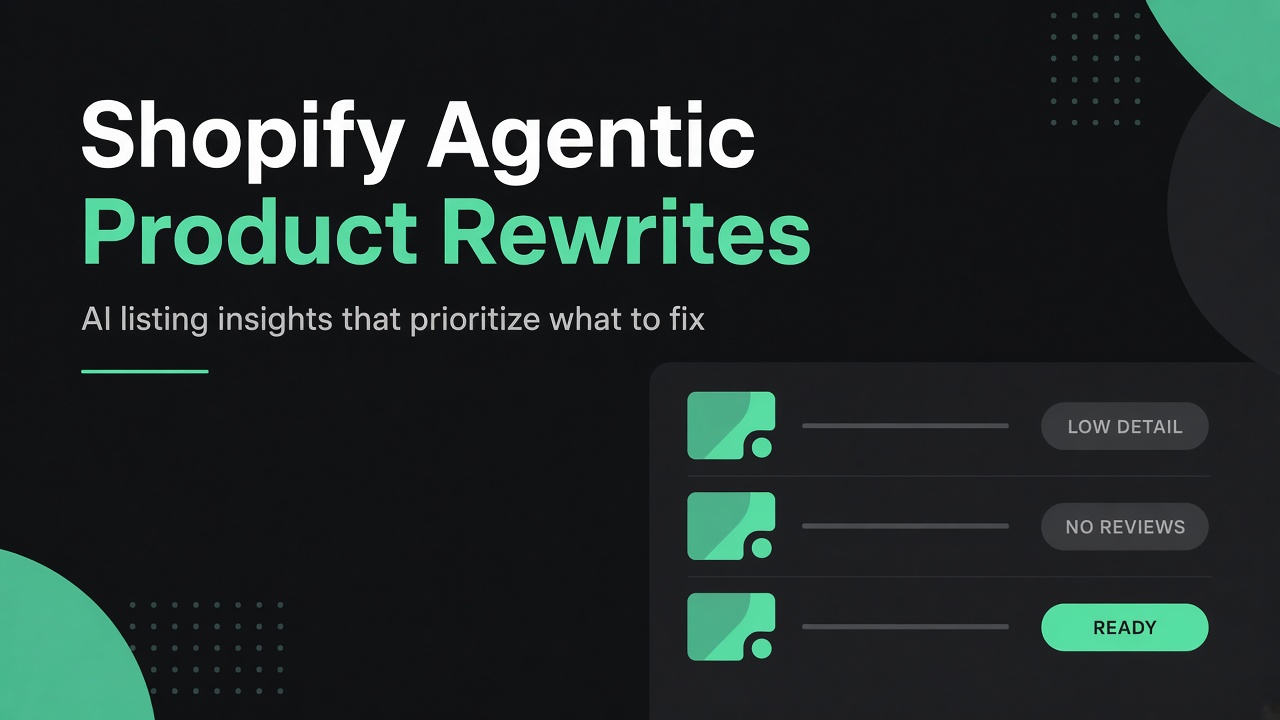
Shopify's Agentic channel now scores your listings for AI discovery. Use Listing insights to prioritize rewrites, then put fitment, reviews, images, and policies where agents actually read.

Shopify merchants do not need another generic “ask ChatGPT to rewrite my PDPs” checklist. You need a way to decide which products to rewrite first, and a rewrite brief that matches what AI channels can see. That brief now lives in your admin.
Open Sales channels > Agentic. Run a buyer query the way a customer would ask it. Expand the products that show up. Shopify’s Listing quality meter and Listing insights tell you, listing by listing, where the catalog is thin before you burn hours on prompts.
For parts and aftermarket catalogs, that prioritization matters more than clever copy. An agent that cannot see fitment, part numbers, or verified reviews will guess. Guesses become returns. The rewrite work below is how you stop feeding the guess.
Start in Sales channels > Agentic, not in a blank prompt
Agentic Storefronts is Shopify’s channel for discovery and selling across AI surfaces such as ChatGPT, Google AI Mode and Gemini, Microsoft Copilot, and Meta. Eligible products syndicate through Shopify Catalog. Meta joined the Agentic admin as an AI channel on September 8, 2026, with Catalog sharing on by default.
Inside Agentic you get two merchant-facing tools that change how content work should be queued:
- A Catalog search preview for real buyer queries, with a directional view of whether your products crack global results for that query.
- A per-product Listing quality indicator with expandable Listing insights.
Shopify frames the meter as a visual sign of how complete and competitive a listing is for discoverability. Read it as a data completeness checklist, not a promise that ChatGPT will recommend you. Downstream AI channels can re-rank. Your job is to clear the gate Shopify can measure.
The five Listing insights signals
Shopify breaks listing quality into five signals merchants control:
- Description completeness. Word count and detail in the product description. AI channels lean on descriptions to match natural-language queries.
- Image coverage. How many product images you provide so agents can represent the item across contexts.
- Product reviews. Average rating and review count from reviews verified by trusted sources. Unverified imports do not move this signal.
- Variant and option completeness. Variant and option coverage, stock, and whether option names use acronyms or codes agents struggle to say out loud.
- Shop policy completeness. Whether shipping, returns, refund, and related policies exist in Settings > Policies.
In practice you may see insight flags such as LOW DETAIL, NO REVIEWS, or READY on sample parts SKUs. Treat READY as “data complete enough to compete,” not “guaranteed placement.”
Why parts catalogs lose before the rewrite starts
Here is the catch most aftermarket teams miss. Your best fitment data often lives in metafields, metaobjects, or a year/make/model widget. Humans love that. Agents largely do not get it.
Shopify Catalog Mapping can re-source only three destination fields for AI channels: title, description, and category. You can pull those from attributes, metafields, or metaobject references, and you can adjust variant grouping. You cannot dump an entire ACES table into a secret fourth field and expect Catalog to syndicate it as structured fitment.
On the agent-facing Catalog APIs, responses center on title, description, options, images, price, availability, and related catalog attributes. Merchant metafields are not a free passthrough into that payload today. Theme JavaScript never loads. If part numbers and vehicle applications are not in the text (or mapped into those three fields), the model is improvising.
We covered the returns side of this gap in Shopify Auto Parts Returns Are a Fitment Data Problem and the AEO upside in Fitment Data Is Your AEO Strategy for Auto Parts. This article is the rewrite operating guide that sits between those two.
A rewrite checklist built for Listing insights and agents
Use Listing insights to pick the queue. Then run this checklist on every SKU you touch.
1. Images that answer install and size questions
Add useful installed photos and packaging shots with dimensioned views. A single studio hero is not enough for a hitch receiver, a brake rotor, or an intake kit. Agents and shoppers both need evidence of how the part mounts and how big the box is. Image coverage is an explicit listing signal. For parts, it is also a support-ticket preventer.
2. Verified reviews that actually reach Catalog
Collect reviews from trusted sources, and confirm they show up where agentic ranking looks. Shopify’s listing reviews signal is calculated from verified reviews, not every widget you render on the storefront. Review apps that syndicate Shopify’s standard product review metaobjects and rating metafields are the path most stores should verify. Catalog responses can include rating aggregates when that data is present. If Listing insights still shows NO REVIEWS after you “have reviews on site,” you have a syndication problem, not a content problem.
3. Part numbers, fitment, and technical detail in the description
Put MPNs, OEM cross references, fitment ranges, position, drivetrain, engine, trim, and hard exclusions into the product description in plain language. Keep your structured metafields for filters, feeds, and internal ops. Duplicate the facts an agent must see into description text (or map the richest metafield into the Catalog description source).
BEFORE
------
Heavy duty front brake rotor. Precision machined. Direct replacement.

AFTER
-----
Front brake rotor for 2015 to 2020 Ford F-150, 4WD models with the
6-lug hub. Fits XL, XLT, Lariat, King Ranch, and Platinum trims with
the 3.5L EcoBoost, 2.7L EcoBoost, or 5.0L V8. Does not fit 2015 to
2020 F-150 Raptor or 2WD 5-lug configurations. MPN: BR-5520. Sold
individually; two required per axle.
Note what the after version does. It names vehicles explicitly, states exclusions, and uses phrasing a buyer (or an agent) would actually ask. Description completeness is not an invitation to keyword stuff. Write for the question.
4. Shipping, return, and refund policies on the site
Complete your policies under Settings > Policies. Shop policy completeness is one of the five listing signals, and clear policies help AI channels recommend with confidence. For parts, return windows and restocking rules also reduce argumentative support threads when an agent-referred order still misses fitment. Keep the same language consistent on policy pages, FAQs, and any Knowledge Base content you expose to agents.
5. Sample rewrites by hand before you scale AI
Do a small set of hand rewrites on SKUs that Listing insights flagged LOW DETAIL. Compare those gold standards to Sidekick, Astra, Fable, or whatever rewrite model you use. Give the model concrete feedback: missing exclusion lines, invented fitment, marketing fluff in the title, acronym-heavy option names. Then open the throttle only after an approval step exists.
Bulk AI without a claim review process is how catalogs invent fitment. Parts merchants cannot afford that.
GEO and AEO: why onsite Catalog text is the work
Generative engine optimization is not a separate content silo from product data. Shopify’s own agentic guidance treats clean, machine-parsable product data as a core pillar next to SEO and brand. AI-referred orders grew nearly 13x year over year in Shopify’s Q1 2026 commerce data, and AI-referred visitors convert at nearly 50% higher rates than organic search in that same dataset. Referral sessions from AI chatbots grew more than 8x year over year.
Those numbers only help if an agent can parse your part. Onsite (Catalog) text is the durable layer: it works for classic SEO, for AI answers that still lean on search, and for Catalog API syndication the moment a channel queries you. Theme-only merchandising does not travel.
One more nuance worth naming. Shopify’s five listing signals measure completeness. They do not fully score attribute depth. A long description with no fitment still scores “words.” For aftermarket catalogs, attribute depth is your differentiator. Put it in the description on purpose.
Build an approval process before you automate
Rewriting ten rotors by hand is content work. Rewriting three thousand SKUs is an operations problem. The Ambaum angle for parts merchants is not “more AI.” It is a controlled loop:
- Prioritize with Agentic Listing insights and your own return/fitment export.
- Map metafield fitment into Catalog description sources where needed.
- Generate candidates with AI against a fixed brief (fitment, MPN, exclusions, images, policies).
- Human-approve claims, especially vehicle applications.
- Re-run the Agentic search preview after Catalog processing lag.
- Log misses and feed them back into the brief.
If you want help designing that AI content approval process for a Shopify parts catalog, reach out. At Ambaum we already live in Catalog Mapping, fitment data, and agentic audits for aftermarket merchants. A second set of eyes on your rewrite queue is often enough to keep bulk generation from becoming a returns machine.
What to do this week
- Open Sales channels > Agentic and preview three queries buyers actually ask (include awkward natural language).
- Expand Listing insights on ranked and near-miss products. Queue LOW DETAIL and NO REVIEWS first.
- Confirm Settings > Policies covers shipping, returns, and refunds.
- Pick ten high-return or high-traffic SKUs and rewrite descriptions with part numbers, fitment, and exclusions in the body.
- Add one installed photo and one dimensioned packaging image to each.
- Verify your review app’s verified ratings appear in Listing insights, not only on the theme.
- Produce five hand gold standards, then score your AI tool against them before any bulk job.
At Ambaum we track Agentic Catalog changes so our merchants do not have to reverse-engineer every admin panel alone. If you want a second set of eyes on your rewrite checklist or your approval workflow, reach out.
No pitch. No pressure. Just perspective.
Read the full transcript
If you are rewriting product content with AI, start with a plan, not a prompt. Here are the best practices we use for product rewrites on Shopify parts catalogs.
First, open your Shopify admin and go to Sales channels, then Agentic. The listing insights there show you which products need work so you can decide what to rewrite first instead of guessing.
Next, build a rewrite checklist. Start with images because they matter a ton.
Add useful installed photos and packaging pictures that include dimensioned views. Then reviews, get product reviews from trusted sources and make sure those reviews are actually showing up in the Shopify Catalog API where agents can see them.
Third, put part numbers, fitment data, and as much technical detail as you can directly in the product description. This matters because large language models are reading your onsite text, not your Shopify metafield data.
Fourth, make sure your shipping, return, and refund policies are clearly written on the site. Agents look for them and buyers trust listings that have them.
Finally, do a few sample rewrites by hand and compare them to what the AI creates. Then give Fable, Astra, or whatever model you are using feedback so it learns to do your product rewrites better.
If you want help building an AI content approval process for your Shopify parts catalog, reach out to Ambaum.