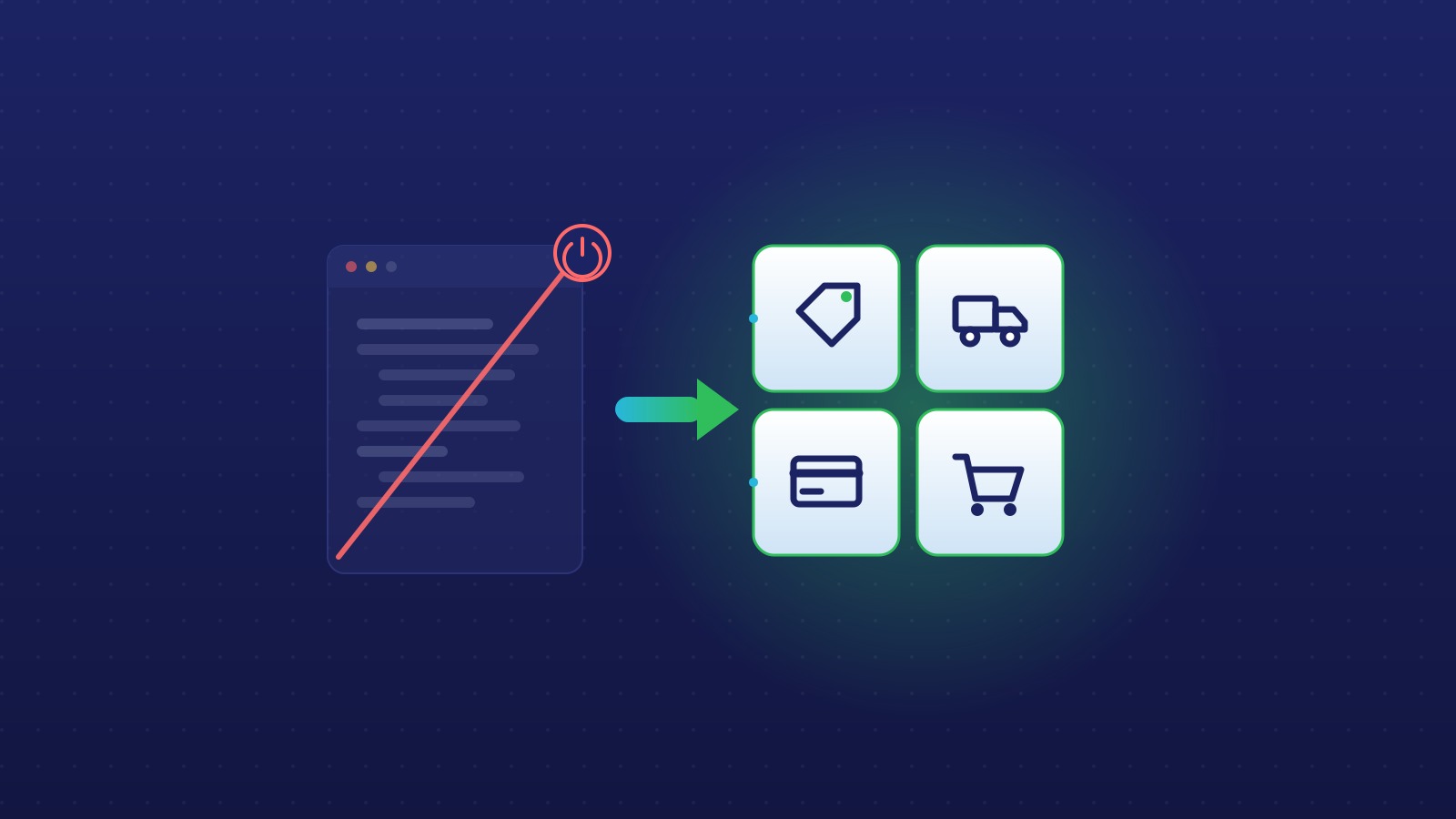
If your Shopify Plus store still runs Scripts, the clock is almost out. On June 30, 2026, Shopify Scripts stop executing for good. That leaves about two weeks to move any custom checkout logic before it goes dark.
What stops working on June 30
Scripts will no longer run. Any logic you built in the Script Editor simply stops firing. No warning at checkout, no fallback. Custom discounts, shipping rules, and line item changes that depend on Scripts just quietly disappear from your store.
How to check if your store is at risk
Log into your Shopify admin and go to Apps > Script Editor. If you see active scripts there, you are affected. One caveat: only logic built directly in Scripts is at risk. If your discount or shipping rules already run through a third-party app, that app has moved to the new architecture and you are in the clear.
What actually breaks
Four things tend to live in Scripts. If any of these describe your store, they need a new home before June 30:
- Custom discount logic: tiered pricing, BOGO, volume discounts
- Shipping rate changes based on cart contents or customer tags
- Line item adjustments like free gift with purchase rules
- B2B pricing overrides for wholesale customers
Two ways to replace Scripts
Most Scripts logic maps cleanly to one of two replacements. Which one you pick comes down to how complex your rules are.
Shopify Functions
Functions are the direct replacement. They cover discount logic, shipping customizations, payment customizations, and cart transforms. The catch: Functions deploy through a Shopify app. So you either build a custom app to host them or use a public app that exposes Functions. We broke down how Functions work and what they unlock in a two-part guide, part one here and part two here.
Public apps
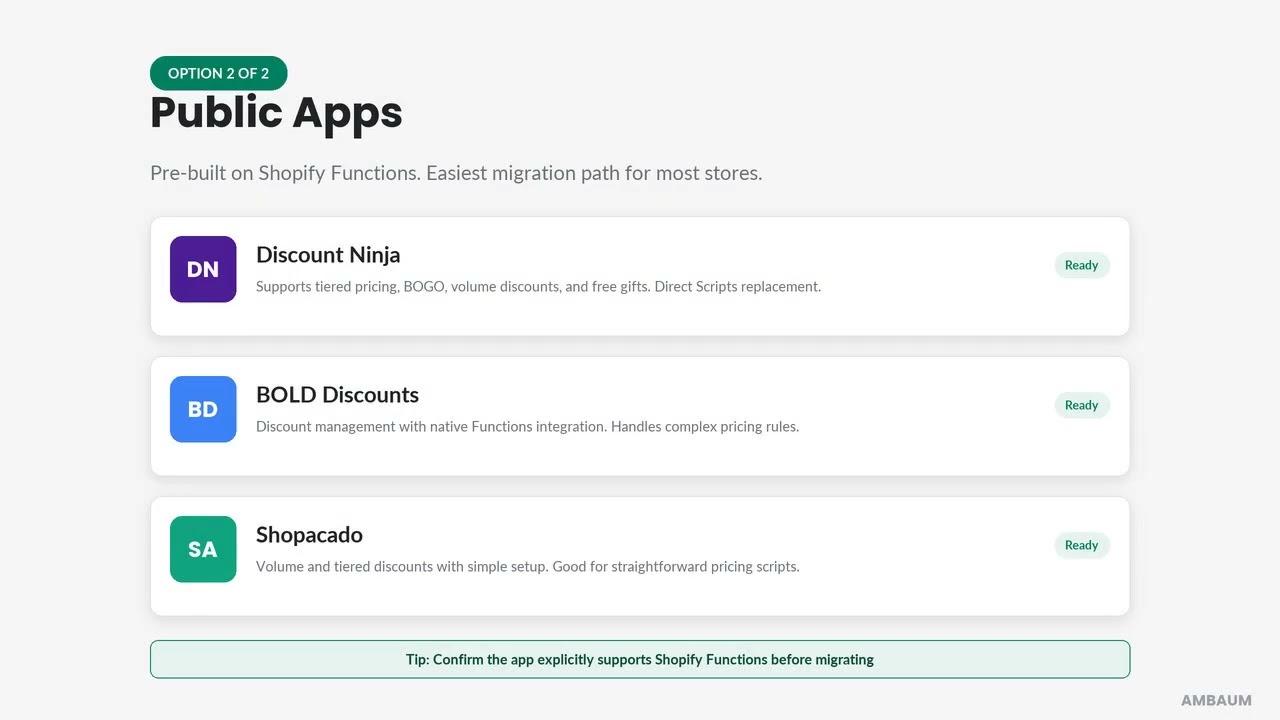
Discount apps like Discount Ninja, Bold Discounts, and others have already rebuilt their features on top of Shopify Functions. If your Scripts logic is not too complex, a public app is usually the fastest path. You install it, rebuild the rule in its interface, and skip the custom development entirely.
The bigger picture
This is not Shopify breaking things for fun. Retiring Scripts pushes the platform toward a more extensible, app-based checkout architecture. It is the same shift behind checkout extensibility and the customization options now available across Plus. We flagged this deprecation when Shopify first announced it, and the deadline is now here.
Not sure where to start
We have moved several Plus merchants through this exact migration. If you are not sure where your Scripts logic should land, we are happy to take a look. Reach out and we will audit what you have running and map the fastest path off Scripts before June 30.
When do Shopify Scripts stop working?
How do I know if my store uses Scripts?
What replaces Shopify Scripts?
Do I need a custom app to use Shopify Functions?
What happens to my discounts if I do nothing?
Read the full transcript
Shopify Scripts officially shut down on June 30th. If your Plus store was running Scripts, here is what that means and what you need to do.
Step one, check if you are impacted. In your Shopify admin, go to Apps and open Script Editor. If you see any active scripts, you have a migration to complete. Each script controls something in your checkout: discounts, shipping rules, free gifts. If it is not replaced, that feature stops working.
Scripts covered four areas: custom discount logic like tiered pricing and BOGO offers, shipping rate modifications based on cart contents or customer tags, line item adjustments like free gift with purchase, and B2B pricing overrides for wholesale customers.
Option one is Shopify Functions. Functions can replace discount logic, shipping customizations, payment customizations, and cart transforms. You will need a Shopify app to deploy them, either a custom app or a public app that exposes Functions.
Option two is public apps. Tools like Discount Ninja and Bold Discounts have already rebuilt on top of Shopify Functions. If your Scripts logic is not too complex, a public app is likely the fastest migration path.
The big picture: Shopify is replacing Scripts with a more flexible, app-based checkout model. Functions are modular, testable, and built to last. Ambaum has helped several Plus merchants through this migration. If you are not sure where to start, reach out. We are happy to take a look.