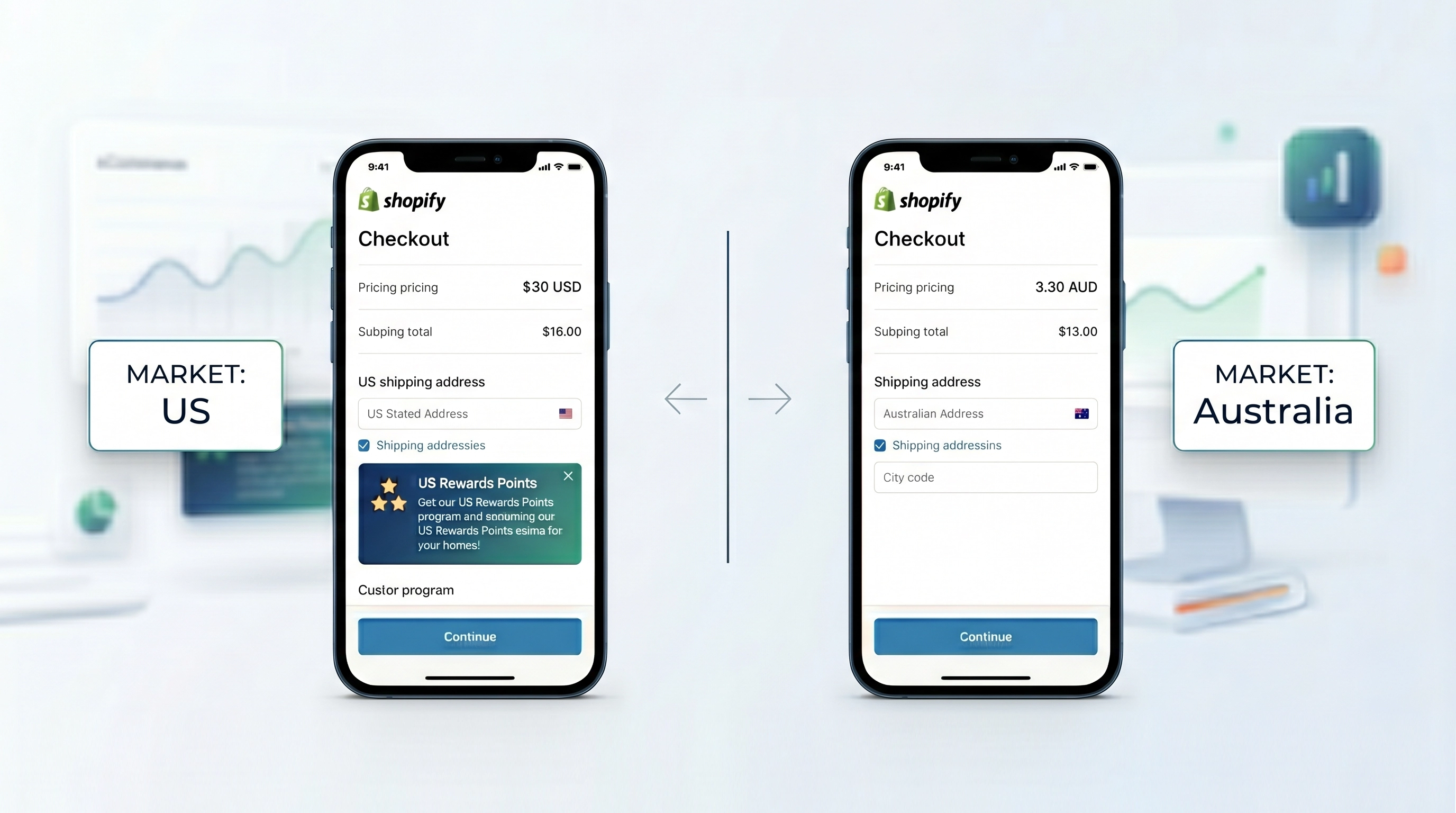
Shopify Markets provides a robust framework for global expansion, allowing all merchants to manage regional pricing and shipping. However, Shopify Plus merchants hold a distinct advantage: the ability to deploy advanced regional customizations for both the checkout and customer account pages.
Granular Control per Market
Every market defined within your Shopify admin is treated as a unique entity. This allows for specialized buyer experiences that cater to regional expectations or local app requirements. Whether you are managing a B2B segment, an Australian storefront, or a US-based shop, your configurations remain independent.
Two Methods for Customization
Merchants can manage these regional updates through two primary interfaces:
- Settings Tab: Access checkout settings directly to manage global configurations.
- Online Store Editor: Use the familiar drag and drop theme editor to select specific markets and toggle between the checkout and customer account tabs.
Strategic Implementation of Checkout Blocks
The true power of this feature lies in market-specific widgets. For instance, if you launch a loyalty program exclusive to the United States, you can add a redemption block to the order summary page for US customers only. Other regions, such as Australia, will not see this widget, ensuring a clean and relevant UI for every user.
Visual Branding and Consistency
Visual updates, including background colors and branding elements, can be customized per market. These changes persist across the checkout, order status, and order summary pages. This ensures that your brand identity aligns with regional marketing campaigns without impacting your global store settings.
Critical Constraints and Testing
While visual and functional blocks are flexible, certain structural settings remain global. If you opt for a one-page checkout, that selection applies to all markets. You cannot run a three-page checkout in one region and a one-page checkout in another.
To ensure these localized experiences perform as expected, we recommend using SimGym. This Shopify app utilizes AI-driven shopper personas to simulate human behavior, allowing you to validate your market-specific configurations before going live.