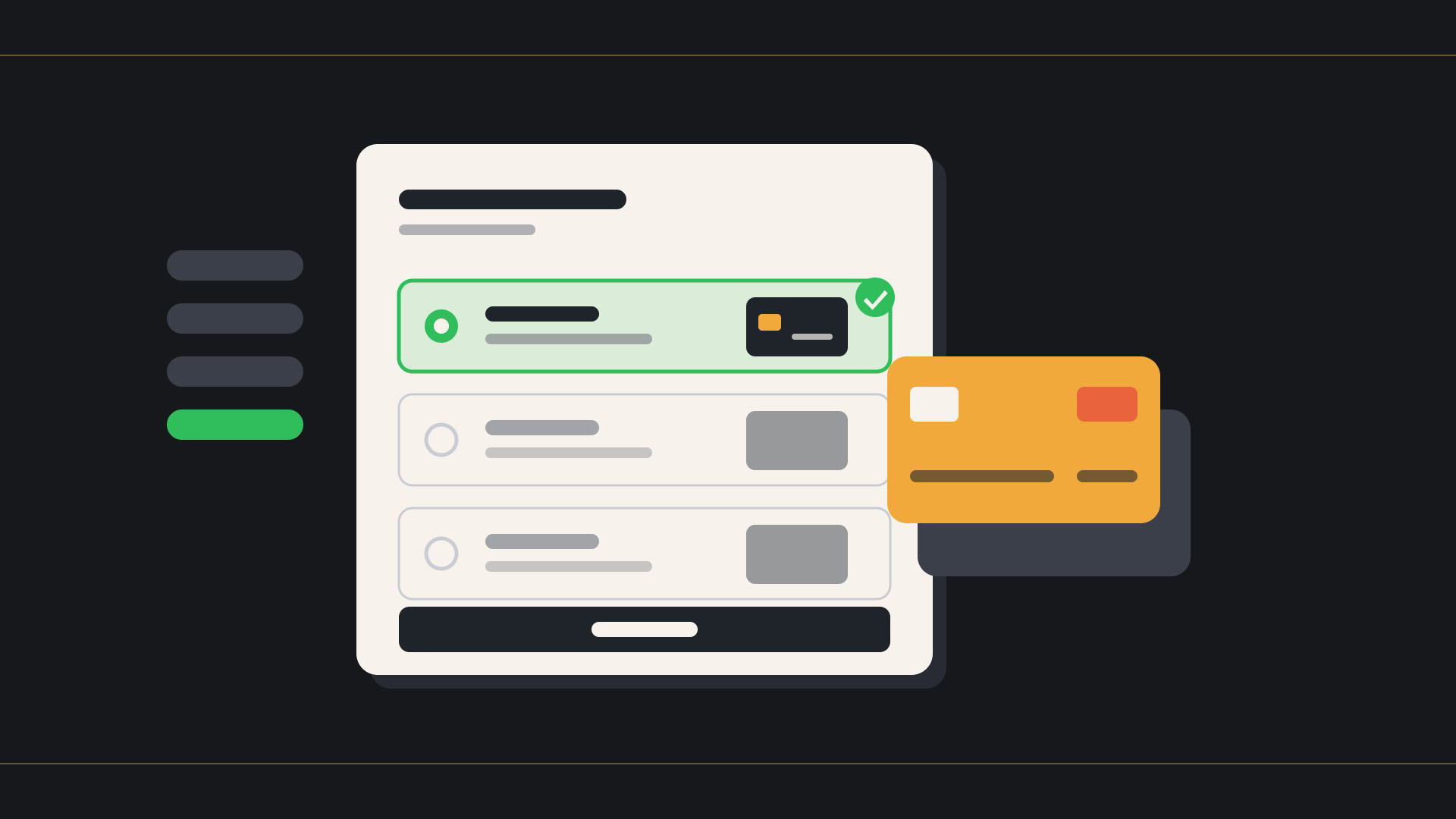
Shopify's August 2026 changelog was a light month. That is what you would expect coming off Summer Editions and heading into Black Friday. But two updates touch checkout directly, and both are worth knowing before the rush: checkout now preselects a signed-in customer's last used payment method, and eligible stores now see recommended customer information settings right on the Checkout settings page.

Checkout now preselects the last used payment method
Shipped August 21. When a signed-in customer with a saved payment method reaches checkout, the card they used last time is already selected. Instead of picking a card on every order, a returning customer confirms and pays. Small change, fewer clicks, and on a repeat-heavy store those clicks add up.
It only runs where saved payment methods are enabled, which means two places today:
- B2B customers with vaulted cards on Shopify Payments.
- Direct-to-consumer customer accounts with saved payment methods, which sits on Shopify's Enterprise offering.
If your store is not in one of those two buckets, nothing changes for you yet. There is no setting to flip. The behavior turns on wherever saved payment methods already exist.
In practice this is a B2B story, and there is a detail merchants miss
Only the B2B customer can vault a card. They do it themselves at checkout, on their own account. Card details you enter manually in the Shopify admin cannot be vaulted, so they will never be preselected. If your wholesale team has been keying in cards on behalf of accounts, those buyers get no benefit from this release until they save a card on their own. Worth a note in your next account email: log in, save a card once, and reordering gets faster from there. If you are still setting up B2B catalogs and checkout on Shopify, build that step into onboarding from day one.
One more nuance. This is the checkout picking a default, not the customer losing a choice. Every saved method is still there; the last one used simply comes first. For a buyer who alternates between a company card and a purchasing card, that is a small time saver, not a lock-in.
Recommended customer information settings, right in Checkout settings
Shipped August 13. Eligible stores now see recommendations on the Checkout settings page for how much customer information to collect. Shopify frames the goal as two things: personalize your marketing at checkout, and reconnect with past customers. The recommendations themselves are simple. Set the customer contact method to email only, require first and last name, and optionally collect a phone number on the shipping address.
New stores already get these settings by default. Existing stores see the recommendations and choose whether to apply them. Nothing changes until you click apply, so there is no risk of waking up to a different checkout form. Review the panel, decide, and move on.
Why email only is the recommended contact method
The phone-or-email option lets a customer check out with only a phone number, which leaves you without an email address for order updates, abandoned checkout recovery, and marketing consent. Email only closes that gap. If you need a phone number for your carrier or your payment provider, the right lever is the shipping address phone field set to required, not the contact method. The phone requirement only enforces when checkout includes a shipping step, so a digital-only or pickup-only order will skip it.
Why first and last name matters more than it looks
Last name only was a legitimate option for reducing friction. The trade-off is data quality. A first name is what personalizes an email, a receipt, and a customer account record, and it is what your CRM and Klaviyo segments key off. With Black Friday traffic about to bring in a wave of first-time buyers, collecting a complete name at checkout is the cheapest thing you can do to make the post-holiday reconnect work.
Why a light month still matters heading into BFCM
Neither of these updates is a headline feature. Both are the kind of setting that gets reviewed once and then forgotten for a year. Checkout is where the small things compound: one fewer click for a repeat B2B buyer, one more complete customer record per first-time D2C order, multiplied across a holiday season. If you have not looked at your Checkout settings page since Summer Editions dropped its checkout and payments updates, this is the month to do it.
Three things to check this week: confirm whether your store qualifies for saved payment methods (B2B on Shopify Payments, or D2C on Enterprise) and, if it does, tell your buyers to save a card. Open Checkout settings and review the recommended customer information panel. And make sure your shipping phone field is set to match what your carrier and fraud rules actually need, not what a plugin defaulted it to two years ago.
At Ambaum we track every changelog release so our merchants do not have to. If you want a second set of eyes on your checkout settings before the rush, reach out.
Read the full transcript
Shopify's August changelog was a light month, which is what you would expect coming off Editions and heading into Black Friday, but two updates touch checkout directly, and both are worth knowing.
First, checkout now preselects a signed-in customer's last used payment method. Instead of picking a card every time, a returning customer sees the one they used last already selected. It only runs where saved payment methods are enabled. That means two places today: B2B customers with vaulted cards on Shopify Payments, and direct-to-consumer customer accounts on Shopify's Enterprise offering.
In practice, this is mostly a B2B story, and there is a detail merchants miss. Only the B2B customer can vault a card. Card details you enter manually in the Shopify admin cannot be vaulted, so they will never be preselected.
Second, eligible stores now see recommended customer information settings right on the Checkout settings page. Shopify is surfacing three recommendations: personalize your marketing at checkout, reconnect with past customers, and choose what you collect. Email only, or first and last name with an optional phone number.
A light month, but heading into Black Friday, checkout is where the small things compound. If you want a second set of eyes on your checkout settings before the rush, reach out to Ambaum.