Over the past two weeks Shopify merchants have seen a cluster of security stories that share one theme: the risk sat in apps and the servers around the store, not in Shopify Checkout itself. We track platform and app security so our merchants do not have to dig every vendor FAQ. This piece covers what was confirmed, what to ask vendors, and an eight step audit you can run today.

Issue one: fake checkouts through app settings
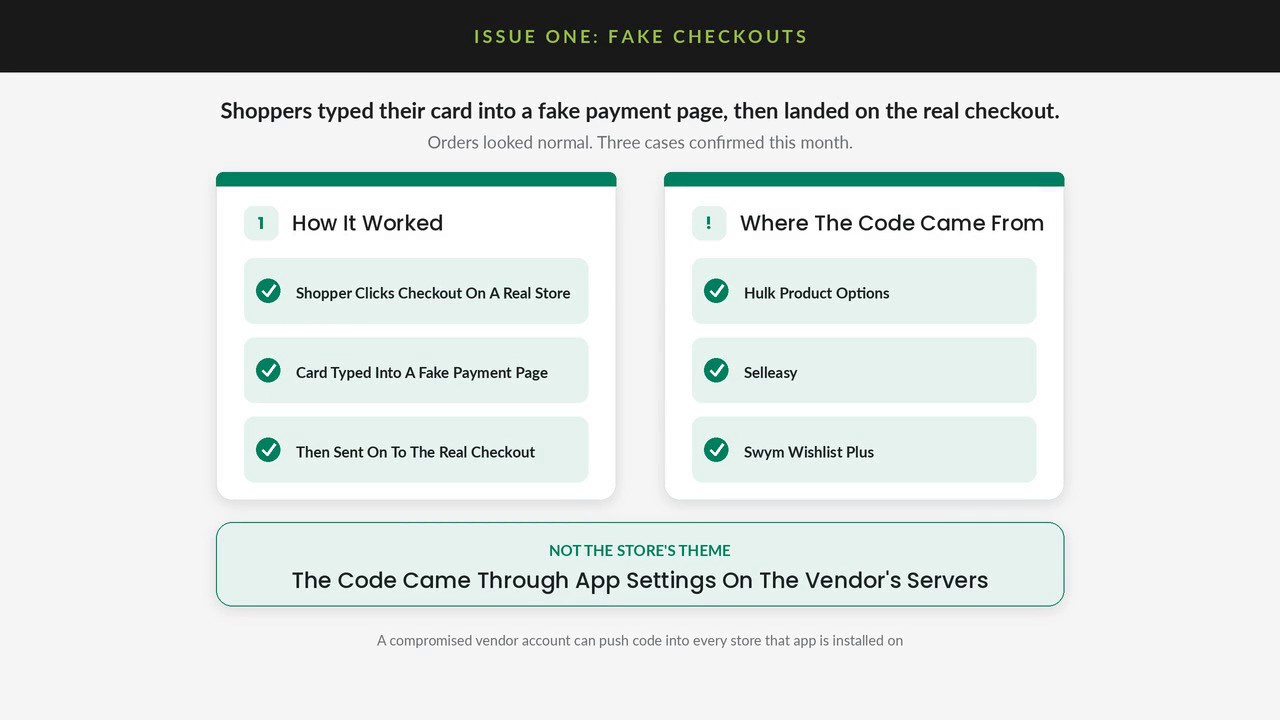
Shoppers clicked Checkout on real Shopify stores, typed their card into a fake payment page, then landed on the real checkout. Orders can look normal after that, which is why a private window test matters.
In October 2026 three apps confirmed that unauthorized code reached storefronts through app settings on the vendor side, not through edits to the store theme: Hulk Product Options (HulkApps), Selleasy (Logbase), and Swym Wishlist Plus (Swym). Vendor statements and independent write ups describe redirects to external pages built to look like checkout. That is the pattern to watch for on any storefront app that can inject JavaScript or HTML.
If you have those apps installed, check the vendor status page and your own storefront. If Checkout ever leaves your domain or Shopify's checkout URL, treat it as an incident.
Issue two: critical PHP flaws patched October 21
On October 21, 2026 the PHP project shipped emergency fixes for CVE-2026-109618 and CVE-2026-109619 (PHP 8.5.12, 8.4.27, 8.3.36, and 8.2.35). CISA and the PHP Foundation describe critical bugs that can let attackers run code on unpatched PHP servers without logging in.
Shopify's hosted checkout is not a merchant PHP box. Many apps and custom backends still run PHP. Ask any vendor or host that runs PHP for your store whether they patched and restarted workers. If you run a custom app on PHP, update to a patched release the same day.
Issue three: AI finding app holes faster
On October 15 Shopify shipped shopify app security check in the AI Toolkit. On October 20 its “Securing your app, together” post said attacks across the app ecosystem are rising as AI gets better at finding vulnerabilities, and that in early access most partners who ran the new check found something they did not know about.
Shopify also said it will tighten boundaries for storefront app code, add IP restrictions so app keys only work from developer servers, and raise App Store security requirements. Details and timelines will come before those changes take effect. For you as a merchant, the signal is clear: treat every storefront app as attack surface, and prefer vendors who rotate secrets, use expiring tokens, and can show a recent security review.
Eight things to do on your store today
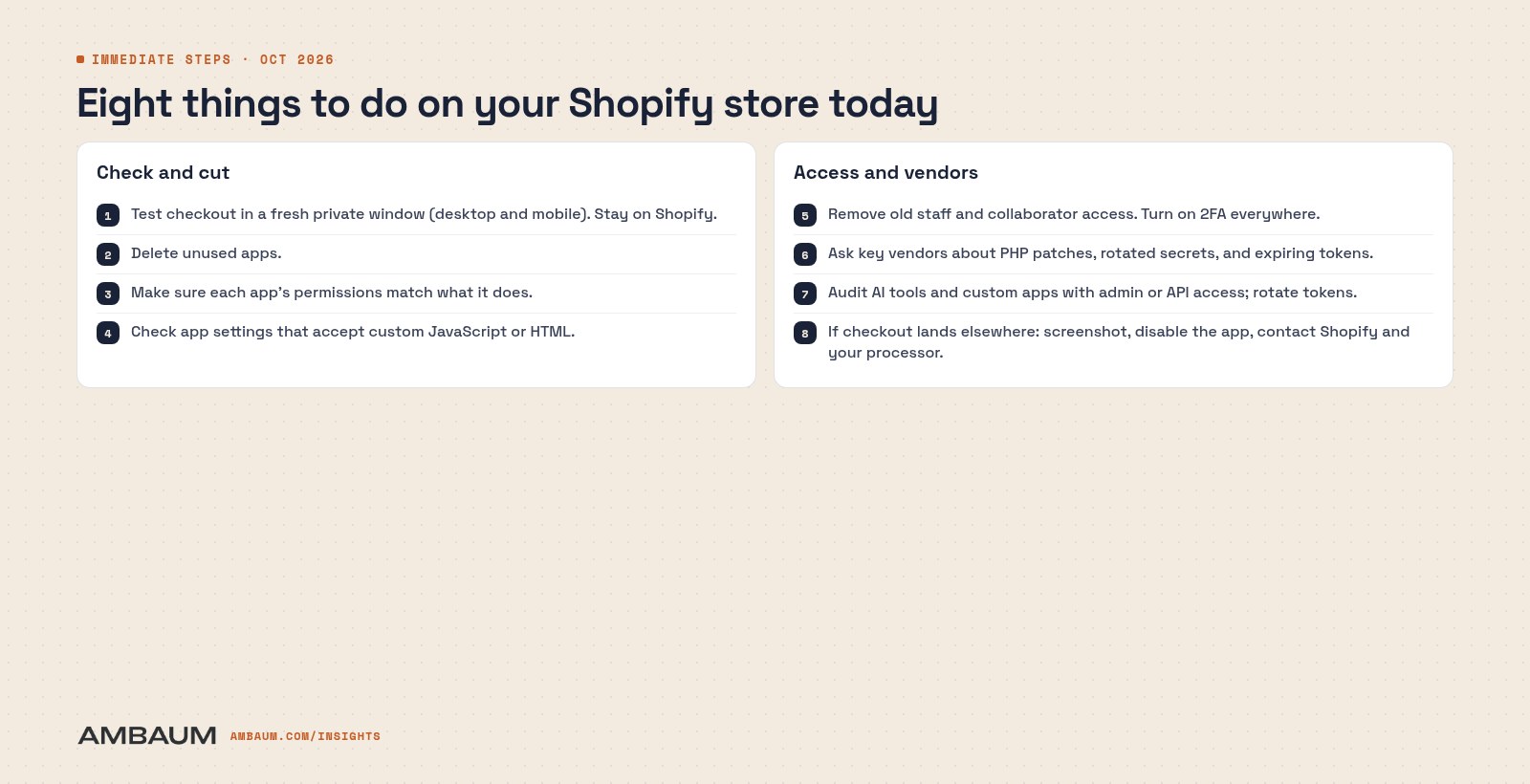
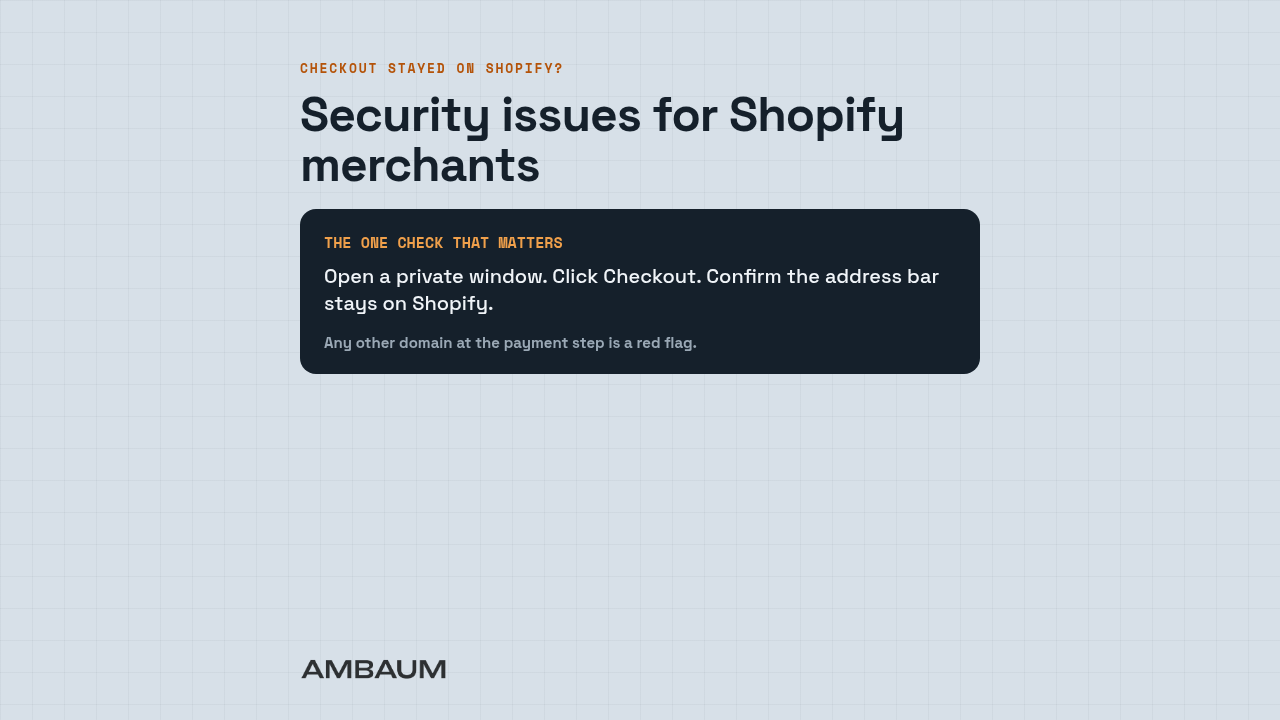
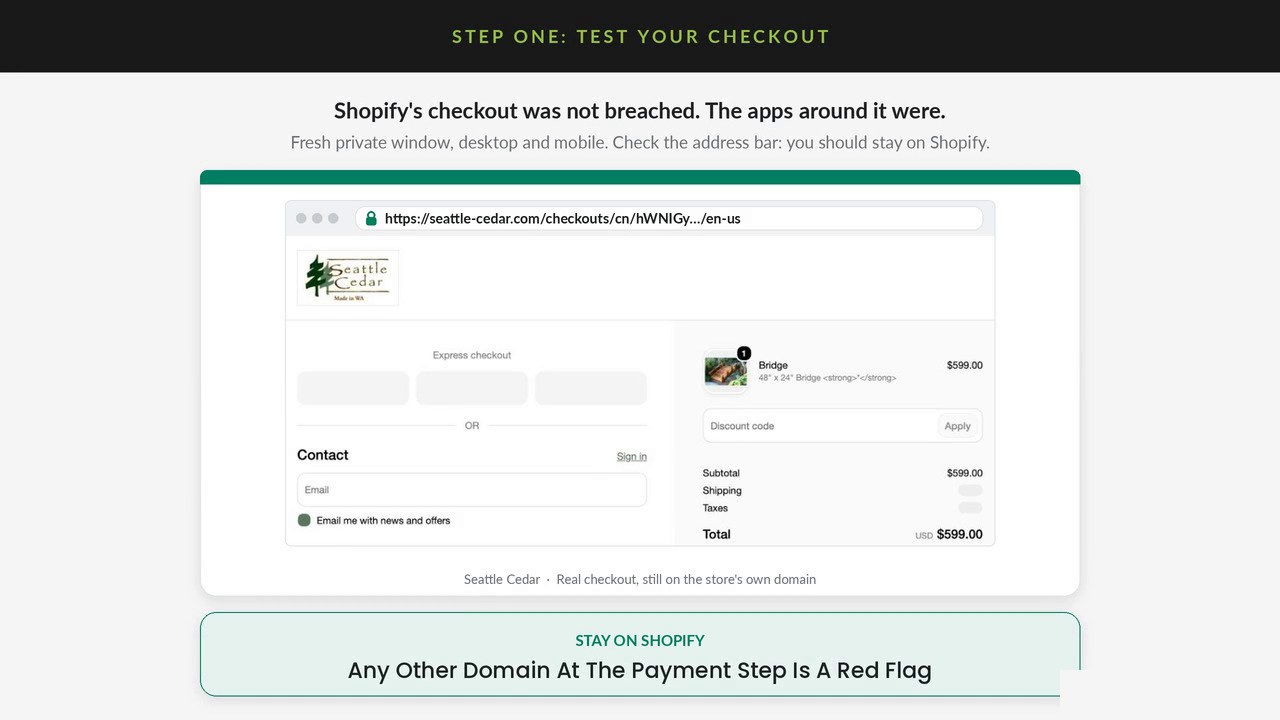
- Test checkout in a fresh private window on desktop and mobile. Confirm the address bar stays on Shopify (or your store's own checkout URL). Any other domain at the payment step is a red flag.
- Delete unused apps. Every installed storefront app is attack surface.
- Match permissions. Make sure each app's access matches what it does. Shopify now surfaces which access an app has not used in 30 days.
- Check custom JS and HTML settings in apps that accept page code. That is the channel used in the confirmed hijacks.
- Remove old staff and collaborator access. Turn on two factor authentication everywhere, including vendor Partner and hosting logins.
- Ask key vendors whether they patched PHP where applicable, rotated secrets, and moved to expiring tokens.
- Audit AI tools and custom apps with admin or API access. Rotate their tokens.
- If checkout lands elsewhere: screenshot it, disable the app, and contact Shopify Support and your payment processor.
Sources
- Vendor statements compiled by Roman Zipp (HulkApps, Logbase / Selleasy, Swym).
- Swym Wishlist Plus incident FAQ (October 20, 2026).
- CISA alert and PHP Foundation post on CVE-2026-109618 and CVE-2026-109619 (October 21, 2026).
- Shopify.dev: AI Toolkit security check (October 15, 2026) and Securing your app, together (October 20, 2026).
When did you last audit your app stack? At Ambaum we review installed apps, permissions, and checkout behavior for Shopify merchants. If you want a second set of eyes, reach out.
No pitch. No pressure. Just perspective.
Read the full transcript
Here's what the past two weeks looked like for Shopify merchants on the security front. Three issues and eight steps to take today. First, fake checkouts. Shoppers click Checkout on real stores and type their card into a fake payment page, then land on the real checkout, so orders look normal.
In all three confirmed cases, the code came through the app vendor's servers, not the theme. Second, a critical flaw in a server language many apps run on was patched on October 21. Third, Shopify says app attacks are rising as AI gets better at finding holes. Most developers who ran its new AI security check found an issue they did not know about.
Shopify's own checkout was not breached. The apps around it were. So step one, test checkout in a fresh private window on desktop and mobile, and check the address bar to make sure you stay on Shopify. Two, delete unused apps.
Three, make sure each app's permissions match what it does. Shopify now shows which access an app has not used in 30 days. Four, check any app settings that accept custom JavaScript or page code. Five, remove old staff and collaborator access and turn on two-factor authentication everywhere, including vendor logins.
Six, ask key vendors if they have patched, rotated secrets, and moved to expiring tokens. Seven, audit AI tools and custom apps with admin or API access, and rotate their tokens. Eight, if checkout lands elsewhere, screenshot it, disable the app, and tell Shopify and your processor. When did you last audit your app stack? Reach out to Ambaum if you need help.